1
Sign in with email + account password
This only proves who you are to the server and gives you access to your encrypted records. It can be reset by email without touching your data.
 SecurePad
Zero-knowledge encrypted vault
Notes, passwords, cards, identities, documents, photos and voice memos, protected with AES-256 before they leave your device. Sign in from any browser with your email and password – and only your vault password can read the data.
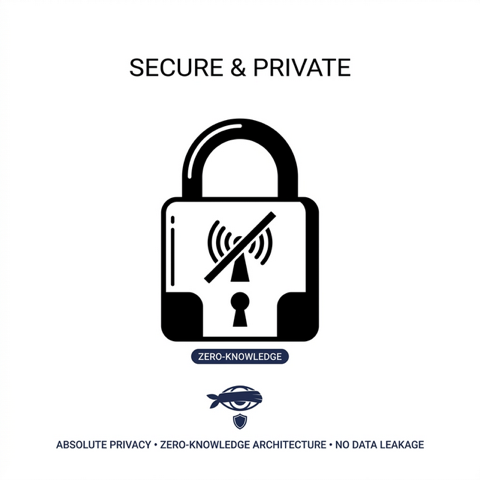
The account password opens the door. The vault password opens the safe. The server never sees the second one.
This only proves who you are to the server and gives you access to your encrypted records. It can be reset by email without touching your data.
In your browser, PBKDF2 (600 000 rounds) turns the vault password into a key that unwraps your 256-bit data key. Nothing of this leaves the page. A recovery key is generated once, for emergencies.
Every item is encrypted with AES-256-GCM before upload. Attachments are separate encrypted blobs fetched on demand, so the list opens instantly even with gigabytes of media. Items you lock with their own passcodes get a second layer, exactly like on the phone.
The web edition is the Pro edition: no item limits, no size limits, the same blocks and the same .securepad backup files.
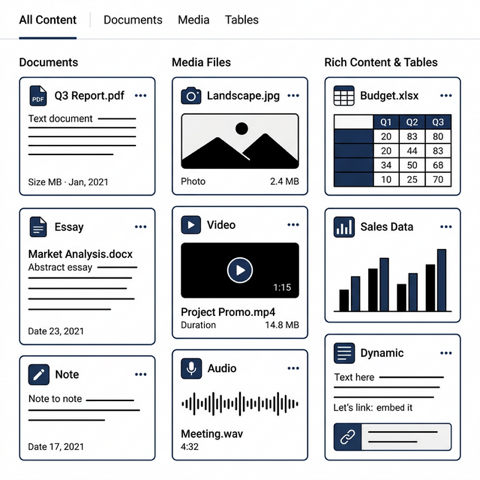
Mix text, tables, images, PDF/DOCX/ZIP files, videos and audio in one item. Scan paper documents with the camera straight into a PDF. Search inside document text, file names and content.
Credit cards, bank accounts, servers, Wi-Fi, identities, credentials, seed phrases – plus your own custom templates with typed fields.
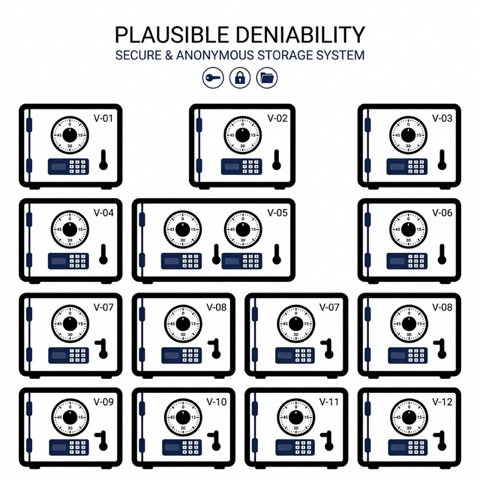
Lock individual items with different passcodes. Unlock one group at a time; nobody knows how many passwords you have.
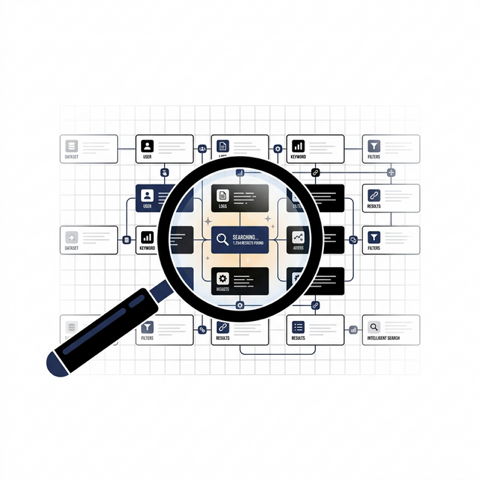
Comma-separated multi-term search, tag and color filters, stacked sorting, and a spreadsheet-like view across all data blocks.
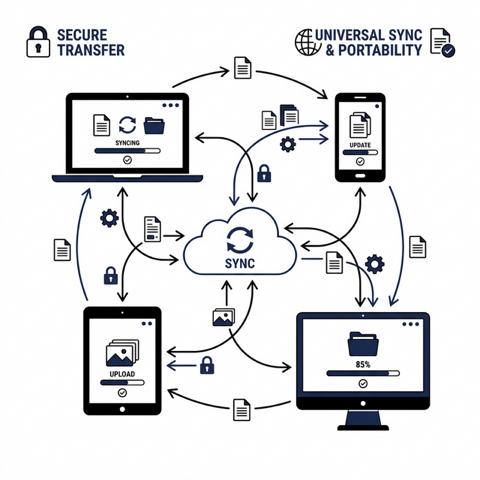
Export and import encrypted .securepad files. Move data between the phone and the browser whenever you want.
Hide text inside PNG images, record voice memos straight into the vault, export tables to PDF, color-code items.
Nothing to install. Your encrypted vault follows you to any computer or phone. Works even if you lose your device – log in, enter the vault password, and everything is back.
client.securepad.onlineThe original offline vault, with camera capture, OCR, biometrics and no internet permission at all. Free edition with limits, Pro edition unlimited.
No. With the account password we could only hand you the encrypted records. Decryption needs the vault password (or the recovery key), which never leaves your browser. We designed it so that even a full copy of the server cannot reveal your notes.
Use the recovery key shown when the vault was created (you can regenerate it from Settings while unlocked). If both are lost the data is mathematically unrecoverable; you can reset the vault and start again.
Request a reset link by email. Only the login changes; the vault password and your data stay exactly as they were.
The list of items is small and downloaded at unlock. Each attachment is a separate encrypted blob, compressed where it helps, fetched only when you open it and cached in memory for the session.
Today you move data with .securepad exports. The web edition uses the same item format, so a cloud-connected mobile edition is the natural next step.
Any modern browser with Web Crypto: Chrome, Edge, Firefox, Safari (desktop and mobile). Nothing is stored unencrypted in the browser; the key lives in the tab and is forgotten when you close it or press Lock.